robOS studIO

Ask in one sentence. Get the finished work.

Nine specialists work inside your robOS, on your own server. You message them on Telegram and get the finished file.

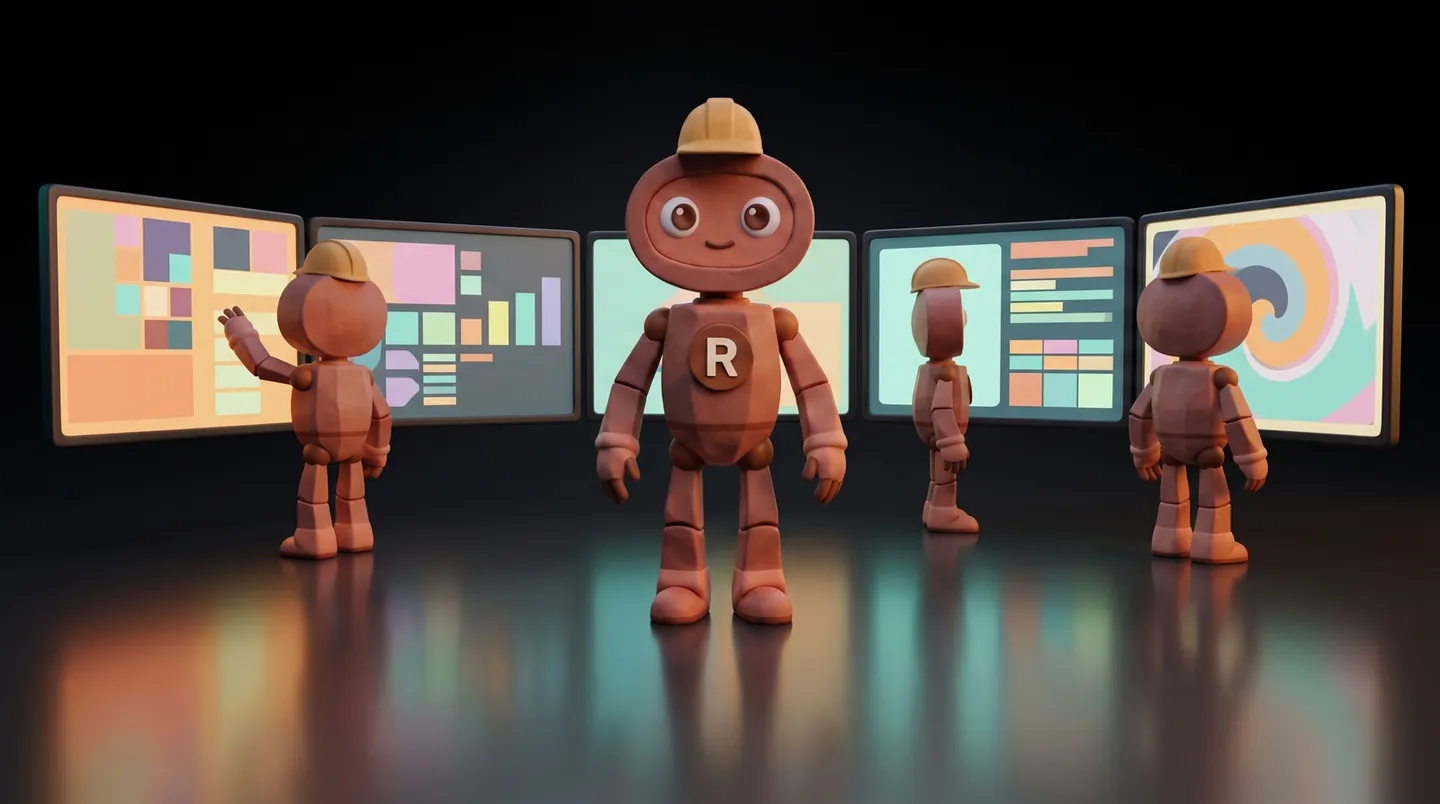
The robOS mascot in a hard hat, in front of five screens, with other agents working at them
AI-generated image

the difference

robOS talks things through with you. studIO delivers.

robOS

You talk, it answers on the spot

It asks what it's missing and works with you step by step. It's the right fit when you're thinking out loud and want to decide every sentence.

robOS studIO

You hand over the job and get on with your day

It works quietly for a few minutes and sends you the file; if a check fails, it tells you why. It's the right fit when you know what you want and need it done.

Both live in the same place, on your server, and work with the same brand voice, your notes and your rules. When you work with robOS in VS Code and want the checked version, you tell it "put the factory on this", and the job goes to the specialists.

the team

Nine specialists, each with its own deliverable

Blogger

An article ready to publish

It researches with sources, writes in your voice and rereads its own text. Then it goes through the SEO check and through a separate reviewer. With WordPress connected, the article arrives there as a draft.

about 18-25 minutes

Research

A research brief

Thesis, arguments and angles, with the source next to every point. Numbers appear only with a source.

about 7-10 minutes

SEO

Audits and keywords

One page or the whole site, keywords, or whether your brand shows up in AI assistants' answers. Recommendations in order of importance, each tied to a measured value or a page it read.

about 5-8 minutes per page

WebDev

A landing page in a single file

It writes the copy and generates the images, then opens the page on a wide screen and on a phone, looks at it and fixes what it sees. It goes through the SEO check and a separate reviewer. It publishes nothing on its own.

about 20-30 minutes

Social

Posts and a calendar

Posts ready to copy, or an editorial calendar. When you ask for an image, the image comes too, AI-generated.

about 2-5 minutes, without images

VideoProducer

A short vertical video

Script, shots, an animated preview and the MP4 video, in your brand colours, checked on one frame from every scene. You add the voice: the script comes separately.

about 8-12 minutes

Designer

A checked image

A second check looks for unwanted text, deformed hands or a different subject than the one asked for, and redoes the image once if needed. The message tells you it's AI-generated.

about 2-5 minutes

Analytics

A metrics report

From the numbers you give it and, with WordPress connected, from your published articles. It doesn't make numbers up: it tells you what it couldn't measure and how to send it the figures.

about 2-5 minutes

Security

Server health

Disk, memory, certificates, ports. Plus a daily check, done on its own.

about 2-4 minutes
The times are measured on our test server. On yours, after a specialist's first three deliveries, studIO tells you its real time. Images need a key for an image-generation service. Without it, the Designer gives you the full description of the image, pages and posts come without images, and video scenes are typographic.

how it works

From one sentence to a checked file

  1. You say what you want

    On Telegram, in your own words: "write an article about AI labelling in marketing". If it isn't clear what you want, it asks, with options to pick from.

  2. You learn who is on it

    You get an instant confirmation: which specialist took the job and how long it usually takes.

  3. It works with what you already know

    The specialist gets your brand voice, your notes on the subject and your robOS's rules. It writes like you, with your facts.

  4. It passes the check

    For articles, pages, posts and videos, the verdict comes from a separate session that didn't write the file. Whatever fails is published nowhere, and the message tells you why.

  5. You get the file

    Attached in the conversation and kept on the server. Reply with "make it shorter" and the same specialist continues, with all the context.

control

You hand out the jobs. The server stays yours.

From Telegram

  • The bot answers only you. Any other chat is ignored.
  • /status shows what is running and for how many minutes; /stop stops a job.
  • You ask about a delivery with a reply: why it didn't pass the check, where a number comes from, what changed. The answer comes in a few seconds.
  • From the chat you ask for work. Configuration and keys change only on the server.

From VS Code, on the server

  • VS Code is the program where you open the server like a folder. There you have the whole robOS: memory, notes, clients, configuration.
  • The same specialists work without Telegram too; from here, every request starts a new job. Continuing by reply stays on Telegram.
  • You tell each specialist, in plain sentences, how you want it to work: "my articles are at most 900 words". It applies from the next job.
  • The checks stay the same, whatever you ask. You change what it writes; how carefully it's checked stays the same.

is it right for you?

Who studIO is for

It's for you if

  • You produce content often, for your business or for clients: articles, posts, pages, video.
  • You want to hand out work from your phone and get the file back finished.
  • You want articles, pages, posts and videos to pass a separate check before they reach you.

It's NOT for you if

  • You want to work every sentence together with the AI. That's what robOS is for, on your laptop.
  • You often work offline. studIO lives on a server: no internet, no studIO.
  • You're just getting started with AI. robOS on your laptop is the simplest start.

honesty

What robOS studIO does NOT do

  • It does NOT publish on its own. Articles reach WordPress only as drafts, and only if they passed the check. Everything else comes as a file.
  • It does NOT voice the video. You get the video and, separately, the script to read.
  • It does NOT connect to ad accounts or paid analytics tools. When a source is missing, it delivers with what it could measure and tells you what's missing.
  • It is NOT local AI. The thinking happens at Anthropic, through your Claude subscription.
  • It does NOT keep a second robOS on your laptop. Your robOS moves to the server, with your memory, notes and brand.

access

I do the installation. You log in and ask.

  • The robOS studIO licence, on your email
  • Installation on your server, done by me: robOS, the nine specialists, the checks, the video tools and the browser used to check pages
  • If you already have robOS, I move it to the server, with your memory, notes and brand
  • You log in once with your Claude account; you connect Telegram whenever you want, with your own bot
Message me on WhatsApp

Separately, directly to the providers: your server, running Ubuntu, and your Claude subscription. For images, a key for an image-generation service. I give you the access details myself, on WhatsApp.

questions

What people ask me

Do I need Telegram?
No. The same specialists also work from VS Code or from the server's terminal, where every request starts a new job. On Telegram you can also continue a job by reply and stop it. You connect it whenever you want: you add the bot token and run the install command again.
Does it publish to my site on its own?
No. With WordPress connected, an article that passes the check arrives there as a draft, and you publish it. Pages, posts and videos come as files.
What happens to the robOS on my laptop?
It moves to the server, with your memory, notes and brand, and the specialists work inside it. No second robOS stays on the laptop: from the laptop you use it through VS Code.
Can I tell it how to write?
Yes. For each specialist you can write, in a file of its own and in plain sentences, how you want it to work. It applies from the next job, and the checks stay the same.
Who sees what I ask for?
The bot answers only its owner; any other chat is ignored. The jobs and files stay on your server. Claude receives your request and what the specialist needs (brand voice, notes on the subject, pages you give it), like anything done with Claude. Messages and files go through Telegram, and image descriptions go to the image service.
How long does a job take?
From a few minutes to half an hour, depending on the specialist: an image in 2-5 minutes, an article in 18-25, a page in 20-30; a whole-site SEO audit, longer. Measured on our test server; on yours, studIO uses the real times after each specialist's first three deliveries.
What if I don't like the result?
On Telegram, you reply to the delivery with what you want changed and the same specialist continues, with all the context. If you ask for something else out of it, for example three posts from an article, the right specialist takes over.

Questions about studIO?

Message me on WhatsApp

I answer you myself, directly.

robOS · robOS Team · robOS alwaysON · Add-on map